Tips & Guides
Tech Help You Can Actually Use.
Browse quick videos and easy guides for online safety, computer setup, troubleshooting, device care, and everyday tech questions.
Prefer to Watch Instead of Read?
Subscribe for quick, practical tech tips on YouTube.


 Security Basics
How to Spot a Phishing Email
Five warning signs that show up in almost every phishing attempt, and what to do when you spot one.
Read the guide → Computer Setup
Windows 11 Upgrade Checklist
What to check and back up before upgrading an older Windows computer, so the switch goes smoothly.
Read the guide → Security Basics
How to Spot a Tech Support Scam Call
The warning signs of a tech support scam call, and what to do before it costs you money or your data.
Read the guide → Security Basics
What Is Two-Factor Authentication?
What 2FA actually is, why passwords alone aren't enough, and which accounts to protect first.
Read the guide →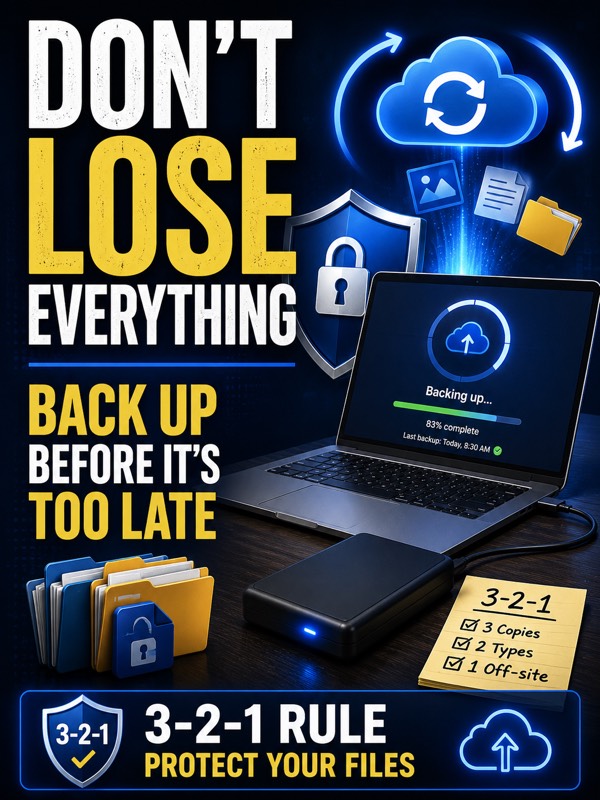 Security Basics
Don't Wait Until It's Too Late
Why syncing isn't the same as backing up, and how to actually check that your backup is working.
Read the guide →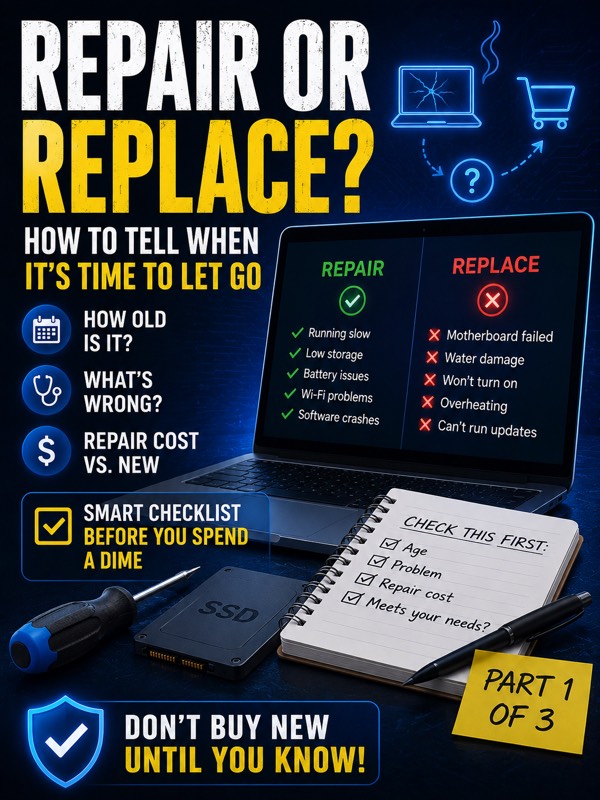 Computer Setup
Repair or Replace? (Part 1 of 3)
How to tell whether it's worth repairing your current computer or time to let it go.
Read the guide →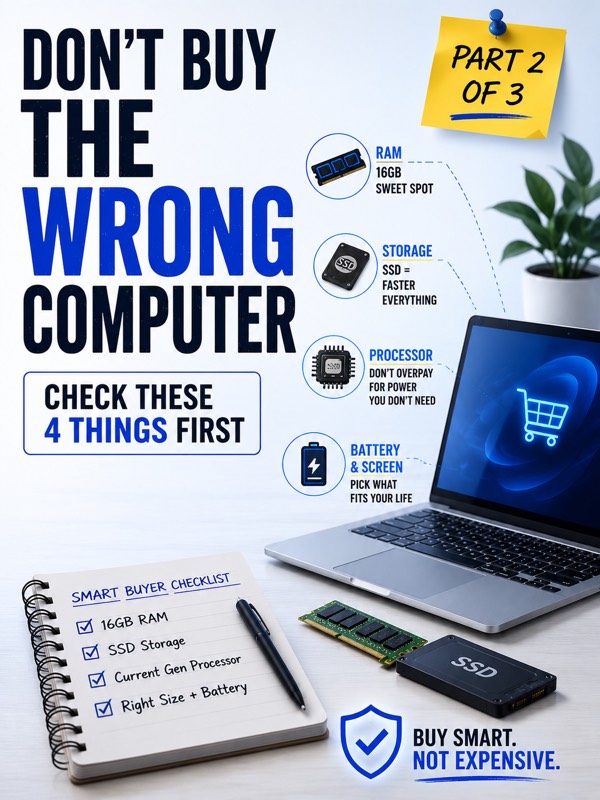 Computer Setup
What Specs Actually Matter (Part 2 of 3)
What actually matters when buying new — RAM, storage, processor, and screen — and what's just marketing.
Read the guide → Computer Setup
New vs. Refurbished (Part 3 of 3)
Where to buy refurbished safely, and the questions worth asking before you decide.
Read the guide → Security Basics
Your Password Is Probably Already Compromised
Why password reuse is the biggest reason accounts get broken into, and how to actually fix it.
Read the guide →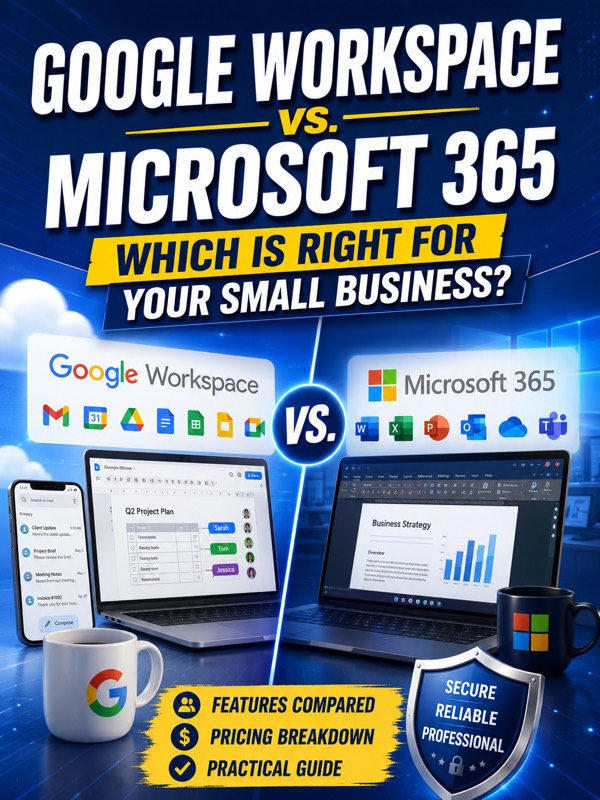 Microsoft & Google
Google Workspace vs. Microsoft 365
A practical guide to picking the platform that actually fits how your small business works.
Read the guide →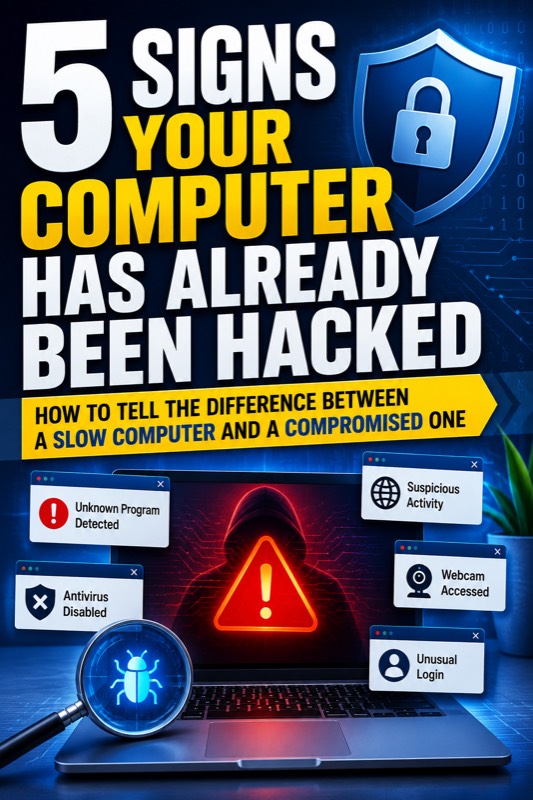 Security Basics
5 Signs Your Computer May Have Been Hacked
How to tell the difference between a slow computer and a compromised one.
Read the guide → Security Basics
That "You Won!" Popup Is Never What It Looks Like
Why those prize popups are always a scam, and the safe way to close them.
Read the guide → Security Basics
That Text From Your Bank Is Probably Not From Your Bank
How to spot a fake bank text before it costs you anything.
Read the guide → Computer Setup
How to Actually Free Up Storage Space
Where all your gigabytes are actually going, and how to get them back — without deleting your photos.
Read the guide → Computer Setup
What "Smart Home" Actually Means
Cutting through the jargon so you can actually build something useful.
Read the guide → Computer Setup
Why Does My Phone Battery Die So Fast?
It's probably not just an old battery — here's what actually drains it.
Read the guide →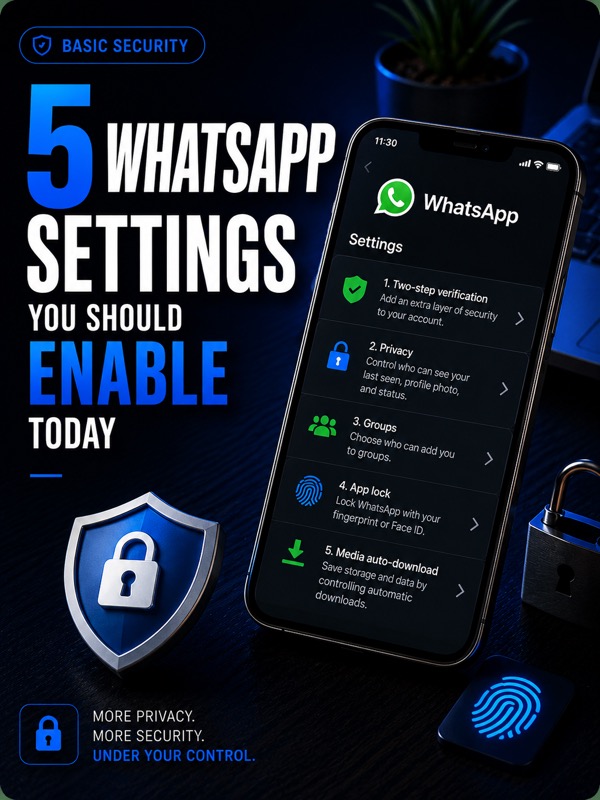 Security Basics
5 WhatsApp Settings You Should Turn On Today
Five quick settings that make your account far more secure and private.
Read the guide →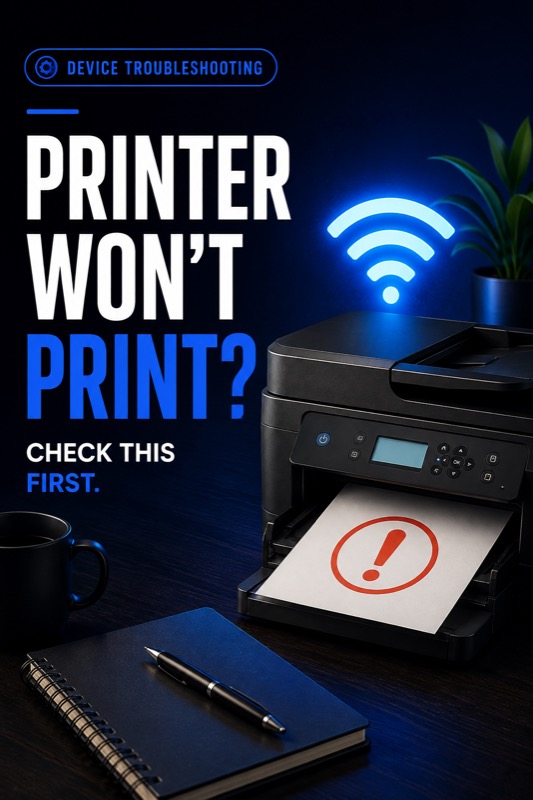 Computer Setup
Printer Won't Connect or Print? Here's What to Check First
The most common printer problems, and how to fix each one yourself.
Read the guide → Security Basics
Your Phone Is Listening — Here's What's Actually Going On
It's probably not a live microphone — here's what's really happening, and how to limit it.
Read the guide →Have a tech question that's not covered here?
Send the details and get a straightforward answer.