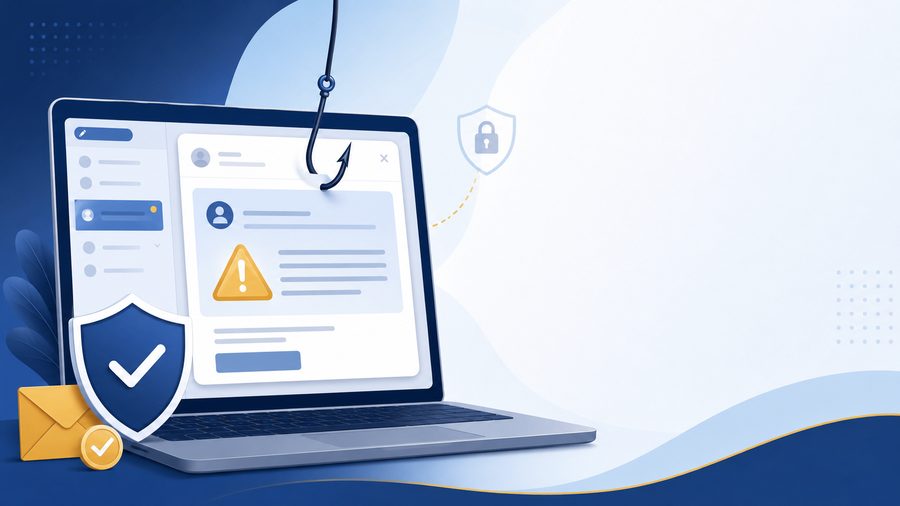
You're browsing a website, and out of nowhere, a banner flashes across your screen: "Congratulations! You've won a free iPhone!" Or maybe it says you're the site's "millionth visitor." Or a gift card is waiting for you, but only if you claim it in the next 60 seconds.
For a split second, it's tempting. Then the better instinct kicks in — something feels off. That instinct is right.
These Popups Aren't Random — They're Designed
Popups like this aren't a glitch, and they're definitely not a real prize. They're built by scammers specifically to get you to click before you have time to think it through. That's why they use urgency — countdown timers, "limited time" language, exclamation points — because the moment you stop and think, the illusion falls apart.
No legitimate company announces prizes through a random popup on a website you're browsing. Real companies don't run promotions this way, and they definitely don't need you to click something within a countdown to claim a reward you never signed up for.
What Actually Happens When You Click
Depending on the popup, clicking can lead to a few different outcomes, none of them good:
- A fake claim page that asks for your personal information — name, address, sometimes even payment details "to cover shipping" on a prize that was never real.
- A forced download that installs unwanted software, adware, or in worse cases, actual malware, without you realizing it happened.
- A redirect loop that takes you to more scam pages, sometimes making it hard to get back to the site you were actually on.
Even Closing It the Wrong Way Can Be a Problem
Here's the part most people don't expect: some of these popups are built so that clicking anywhere inside them — including the little "X" in the corner — counts as a click. The close button isn't always a safe exit. Don't tap anything inside that popup, not even the X.
The Safe Way to Get Rid of It
If you see one of these popups, don't interact with it at all. Instead:
- Close the entire browser tab — not just the popup, the whole tab it's attached to.
- If the tab won't close normally, force-close your browser completely and reopen it.
- On mobile, swipe the browser app away from your recent apps list instead of just backing out of the page.
That's it. No clicking required, and no risk of triggering whatever the popup was designed to do.
How to Spot One Before It Even Loads
A few reliable signs you're looking at a scam popup, not a real offer:
- It appears out of nowhere while you're browsing something unrelated.
- It includes a countdown timer pressuring you to act immediately.
- It asks for personal information before telling you what you "won."
- The prize sounds too good for the situation — a brand-new phone or a large gift card for simply visiting a page.
If any of these apply, treat it the same way: close the tab, don't click, move on.
The Bottom Line
You didn't win anything — and that's actually good news, because it means there's nothing to lose by ignoring it. The safest move is always the simplest one: close the tab, don't engage, and get back to what you were actually doing.
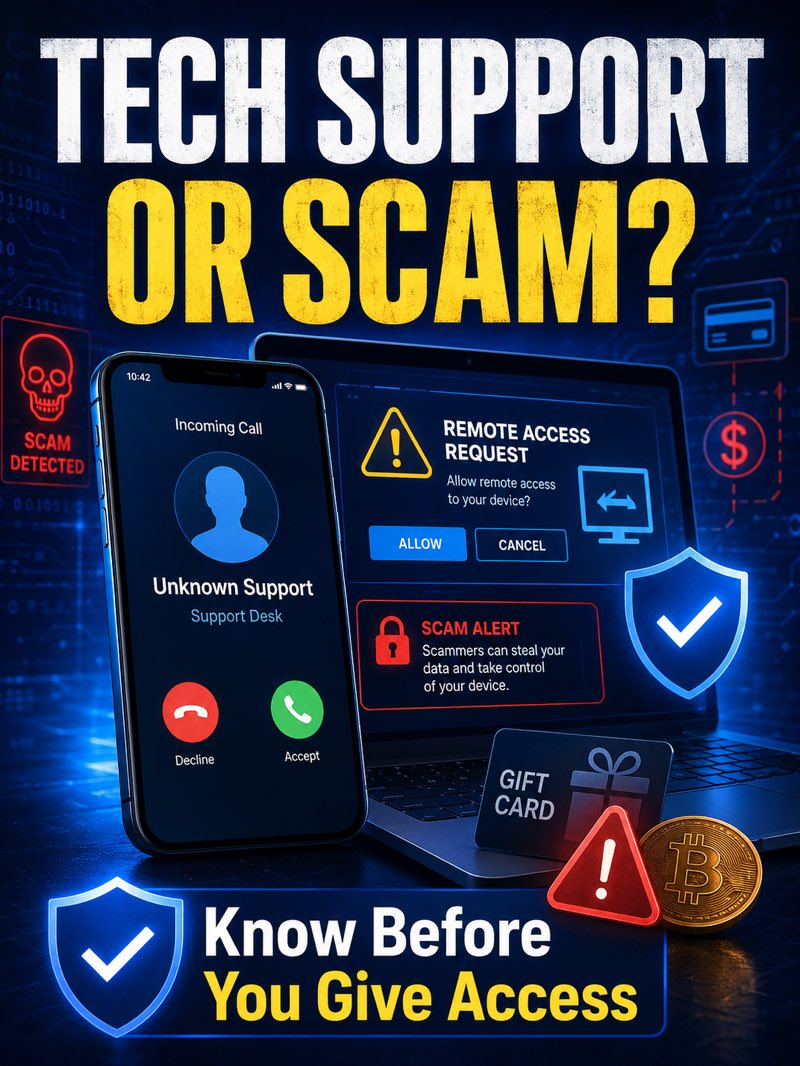
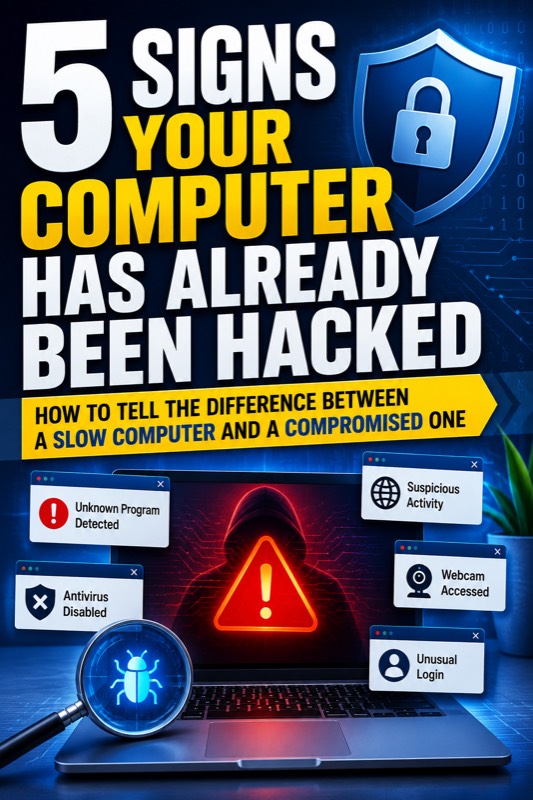
If you're ever unsure whether something on your screen is legitimate, it's always worth a second opinion before you click, download, or enter any information. Not sure if something on your computer looks off? Request help and we'll take a look.