What Specs Actually Matter (and What's Just Marketing)
Walk into any store or shop online for a new computer, and you'll see a wall of numbers — processor speeds, RAM, storage, graphics cards. Most of it is marketing noise designed to make you think you need more than you do.
Here's what actually matters, explained in plain English.
1. RAM (Memory) — this is the one that matters most for everyday use
Think of RAM as your desk space. The bigger the desk, the more things you can have open at once without everything slowing down.
- 8GB: Fine for basic use — email, browsing, documents. Will feel slow if you keep a lot of tabs or programs open at once.
- 16GB: The sweet spot for most people. Comfortable for everyday use, video calls, and multitasking.
- 32GB or more: Only needed for heavy work like video editing, gaming, or specialized software.
Bottom line: For most people, 16GB is worth paying a bit extra for. It's the difference that's most noticeable day to day.
2. Storage — and the type matters more than the size
There are two types of storage you'll see:
- SSD (Solid State Drive): Fast. Your computer starts up quickly and programs open fast.
- HDD (Hard Disk Drive): Slower, older technology. Cheaper, but noticeably slower in daily use.
Always choose SSD if you have the option — this makes a bigger difference in how "fast" a computer feels than almost any other spec.
As for size: 256GB is enough for most people who mainly use cloud storage (like Google Drive or OneDrive) and don't store a lot of photos or videos locally. If you keep a lot of files, photos, or videos directly on the computer, 512GB gives you more breathing room.
3. Processor (CPU) — don't overthink this one
This is where a lot of the marketing confusion happens, with names like "Intel Core i5" or "Apple M2" that don't mean much on their own.
For everyday use — browsing, email, documents, video calls — almost any current-generation processor from a major brand (Intel, AMD, or Apple) will be more than enough. This spec matters much more for gaming or heavy video/photo editing than it does for typical home or small business use.
Bottom line: Don't pay extra for a "faster processor" unless you have a specific, demanding use for it. Put that money toward RAM instead.
4. Screen size and battery (for laptops)
These come down to personal preference more than performance:
- Screen size: 13–14 inches is portable and comfortable for most people. 15–16 inches is easier on the eyes but less portable.
- Battery life: If you'll be working away from an outlet often, look for a laptop with realistic battery life of 8+ hours — not just the marketing number.
What to skip paying extra for
- Graphics cards, unless you game or do video/photo editing
- The absolute newest processor generation
- Extra RAM or storage beyond what's outlined above, "just in case"
The short version
For most people, the combination that matters most is: 16GB of RAM, an SSD, and a current-generation processor from a major brand. Everything past that is often paying for numbers that won't be noticeable in day-to-day use.
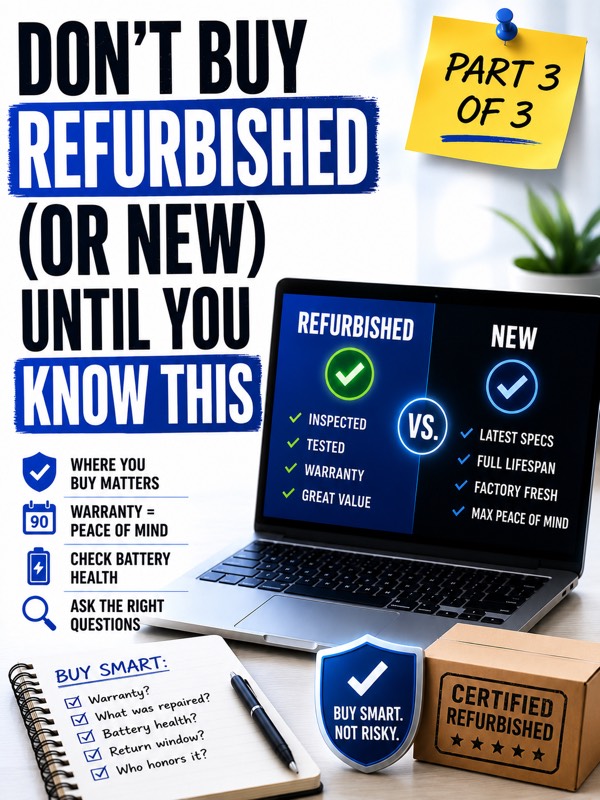
This is Part 2 of a 3-part series on buying a computer the smart way. Part 3 covers whether refurbished or used is actually worth it.