New vs. Refurbished — What's Actually Worth It
"Refurbished" can sound like a red flag — like you're buying someone else's problem. Sometimes that's true. But often, refurbished is one of the smartest ways to get a reliable computer for a lot less money, if you know what to look for.
Here's how to actually think about it.
What "refurbished" really means
A refurbished computer is a used device that's been inspected, repaired if needed, and tested before being resold. It's not the same as buying secondhand from a stranger — a proper refurbished computer has been checked out by someone before it reaches you.
The catch is that "refurbished" isn't a protected term. Quality varies a lot depending on who's selling it.
Where you buy it matters more than the word "refurbished" itself
- Manufacturer refurbished (Apple, Dell, Lenovo, etc.): The safest option. These are inspected and often come with a similar warranty to new devices.
- Certified refurbished from major retailers: Also generally reliable — look for a stated warranty period, even if short.
- Marketplace listings (eBay, Facebook Marketplace, etc.): This is where quality varies the most. Some sellers are legitimate and thorough. Others are reselling devices with hidden problems. If there's no warranty or return policy at all, that's a real risk.
Rule of thumb: If a refurbished computer doesn't come with at least a 90-day warranty, treat it as a gamble, not a deal.
When refurbished makes sense
- You mainly need it for everyday tasks — browsing, email, documents, video calls
- You want to save money without sacrificing reliability
- You're buying from a manufacturer or a retailer with a real warranty
- The battery health is disclosed (for laptops) and is reasonable
When new makes more sense
- You plan to keep the computer for 5+ years and want the longest lifespan possible
- You need the latest specs for demanding work (video editing, heavy multitasking)
- You're not comfortable with any uncertainty about the device's history
- The price difference between new and refurbished is small (sometimes it's not worth the trade-off)
Questions worth asking before buying refurbished
- What's the warranty period, and who honors it?
- What was actually replaced or repaired?
- What's the battery health, if it's a laptop?
- Is there a return window if something's wrong?
If a seller can't answer these clearly, that's worth treating as a warning sign, not just an inconvenience.
The short version
Refurbished isn't automatically risky, and new isn't automatically better. What matters most is where you buy it and what's actually backing it up. A refurbished computer from a manufacturer with a real warranty is often a smarter buy than a brand-new budget computer with weak specs.
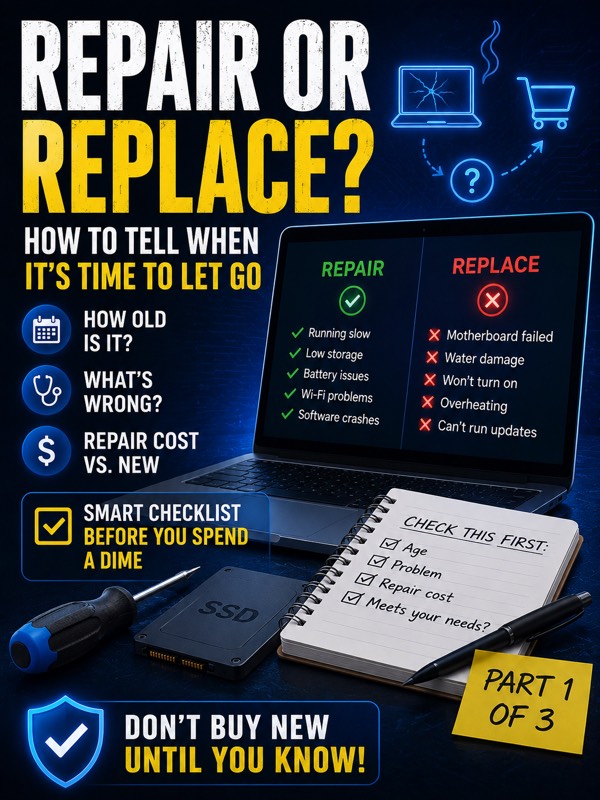
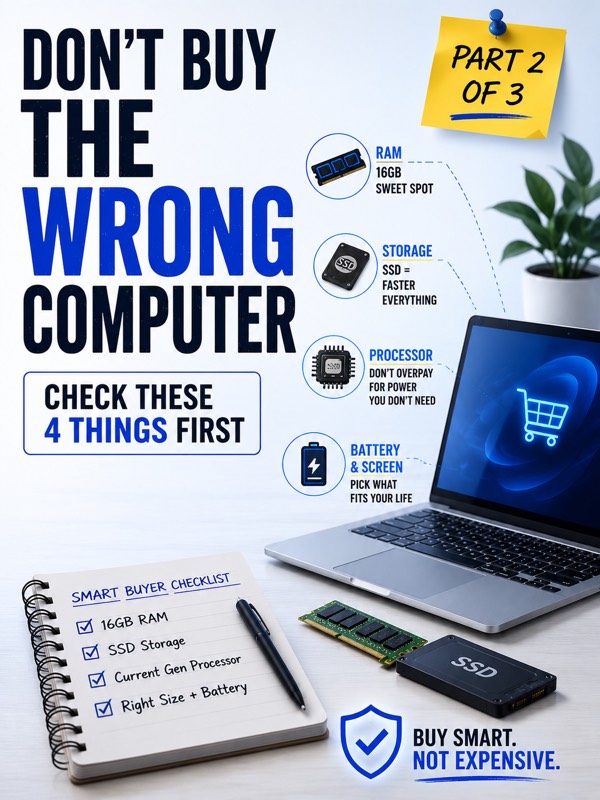
This is Part 3 of a 3-part series on buying a computer the smart way. If you missed them, Part 1 covers whether to repair or replace your current computer, and Part 2 covers which specs actually matter.