The phone rings. Caller ID says “Microsoft” or “Windows Support.” A calm, professional voice tells you they've detected a virus on your computer, and they just need remote access to fix it. Sounds urgent. Sounds legitimate. It is neither.
Tech support scams are one of the most common and most successful scams running today, and they work because they don't feel like scams. There's no shady email full of typos, no obvious red flag — just a friendly voice claiming to help. Here's how to spot one before it costs you your money, your data, or both.
The First Rule: Real Tech Companies Don't Call You First
Microsoft, Apple, Google, and your antivirus company aren't monitoring your computer and calling when something goes wrong. They don't have your phone number tied to a “threat detected” alert. If you get an unsolicited call claiming to be tech support, the call itself is the red flag, regardless of what they say next.
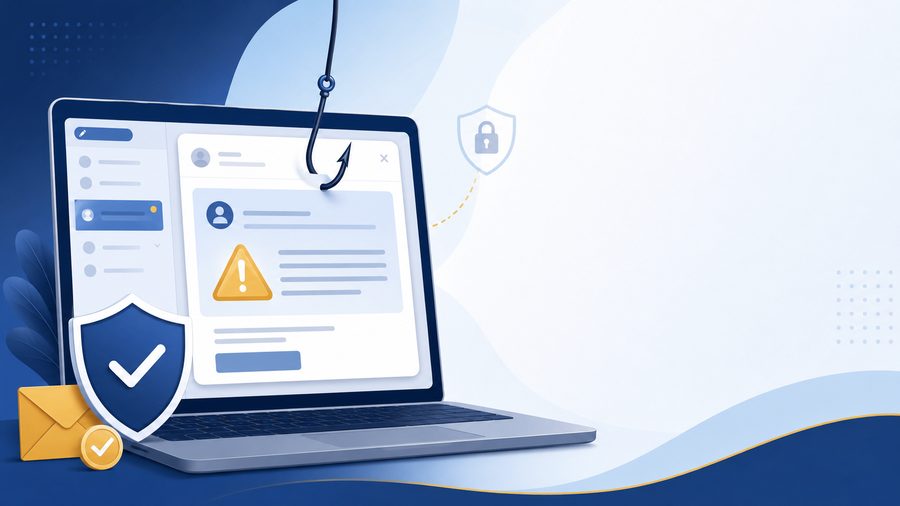
The same goes for pop-ups. A scary warning that locks your screen and gives you a “support number” to call is not a real error message. Real security software does not ask you to call a phone number.
The Playbook Scammers Use
Once they're on the phone, scammers tend to follow the same script, because it works.
They create urgency. Words like “your computer has been compromised” or “hackers are stealing your data right now” are designed to make you panic and skip thinking clearly. Fear shuts down the part of your brain that asks questions.
They ask for remote access. This is the moment that matters most. Once you install a remote access tool like AnyDesk or TeamViewer and hand over control, they can see everything on your screen, install malware, or lock you out entirely.
They ask for payment in strange ways. Gift cards, wire transfers, or cryptocurrency are the preferred method for nearly every scam call, tech support included. No legitimate company asks to be paid in Google Play cards. Ever.
They stall you from double-checking. A scammer wants you moving fast, not opening a new tab to verify anything. If someone on the phone is actively discouraging you from hanging up and calling the company back on an official number, that's the scam working exactly as designed.
What to Do Instead
- Hang up. You don't owe a stranger on the phone patience or politeness if something feels off. Hanging up costs you nothing.
- Never grant remote access to anyone who called you first. If you didn't initiate the call or the chat, don't let them onto your machine. Full stop.
- Verify independently. If you're worried your device actually does have a problem, look up the company's real support number yourself and call them directly, not a number a caller gave you.
- Don't pay with gift cards or crypto for “support.” That payment method alone is close to a guarantee of fraud.
If you already gave someone remote access, disconnect your internet, run a full malware scan, and change your passwords from a different, uncompromised device. If money changed hands, contact your bank immediately.
Why This Matters
Scam calls aren't going away. If anything, they're getting more convincing, using spoofed caller ID, real company logos, and scripts polished by trial and error on thousands of victims. The best defense isn't a piece of software, it's knowing the pattern before the call ever comes in.
If you ever get a call like this and want a second opinion before doing anything, reach out. A five-minute conversation with someone you trust is worth more than anything a stranger on the phone will tell you.