How to tell the difference between a slow computer and a compromised one
Your computer starts acting strange — it's running slower, some weird pop-ups showed up, maybe the fan is running loud for no reason. Your first thought is probably "did I get hacked?" And here's the honest answer: most of the time, no. Old age, too many browser tabs, and a full hard drive cause the same symptoms as an actual security breach.
But sometimes it really is a breach — and the earlier you catch it, the less damage it does. So here are the five signs worth actually paying attention to, and how to tell them apart from ordinary computer problems.
Think of it like your body sending you signals
A hacked computer usually doesn't announce itself with a giant warning message (despite what those scary pop-ups claim). Real compromises tend to be quieter — more like a low-grade fever than a broken bone. Something feels a little off, and the trick is knowing which "off" feelings are worth investigating.
1. Your computer is dramatically slower than it used to be
Slowness alone isn't proof of anything — computers naturally slow down as they age, fill up with files, or accumulate startup programs. That's normal wear and tear, not a hack.
What's worth paying attention to is a sudden change. If your computer was running fine last week and is now freezing constantly, taking forever to open simple programs, or the fan is running loud even when you're not doing anything demanding, that's different. Malware running in the background eats up your computer's memory and processing power the same way a second person quietly using your desk would slow you down — you're both trying to use the same limited space at once.
How to check it yourself: On Windows, press Ctrl+Shift+Esc to open Task Manager and look for unfamiliar programs using a lot of CPU or memory. On a Mac, open Activity Monitor the same way. If you see something you don't recognize eating up resources, that's worth looking into further.
2. Programs, pop-ups, or toolbars you didn't install
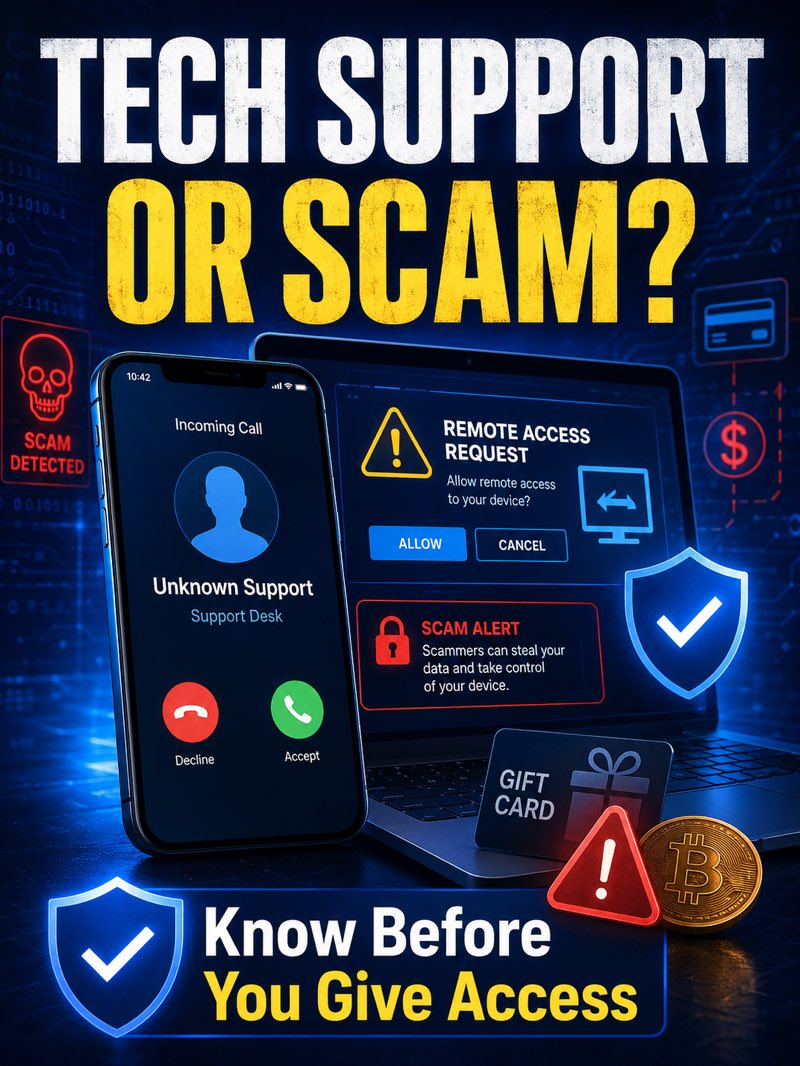
If you open your browser and the homepage has changed, there's a toolbar you don't remember installing, or you're suddenly getting way more pop-up ads than usual — especially ones pretending to be a virus warning telling you to call a number or click a link — that's a real signal. This is one of the more common ways lower-level malware, sometimes called adware, shows up. It's often less dangerous than other types of hacks, but it means something got onto your machine without your permission, and it's worth cleaning up properly rather than just closing the pop-up.
3. Your antivirus or security software turned itself off
If your antivirus software is suddenly disabled, or Windows Security shows a warning that protection is off — and you didn't turn it off yourself — treat that seriously. Malware that's actually trying to take hold on your computer will often specifically target your security software first, since it needs that protection out of the way to keep running without being caught.
There's a fair chance this is a false alarm caused by a software update or a compatibility hiccup. But it's not something to ignore. If you didn't make the change, turn it back on and run a full scan right away.
4. Your webcam light turns on when you're not using it
This one tends to get people's attention fast, and for good reason. If your webcam indicator light turns on and you're not on a video call or using the camera, that's worth investigating immediately. Certain types of malware — often called remote access tools — can let someone view your webcam without your knowledge. It's not the most common sign, but it's one of the more serious ones, since it means someone may have real-time access to your computer, not just your files.
5. Your accounts show activity you didn't do
This is often the sign people notice before they notice anything wrong with the computer itself. Things like: password reset emails you didn't request, contacts telling you they got a strange email or message "from you," a login alert from an unfamiliar location or device, or being locked out of an account you know the correct password for.
Here's the important nuance: this doesn't always mean your computer itself was hacked. Often, it means a password was exposed somewhere else entirely — a data breach at a company you had an account with — and someone's using that stolen password to try logging into your other accounts, a technique called credential stuffing. Either way, the fix is the same: change that password immediately, and check whether you used it anywhere else too.
What to actually do if you notice one of these
Don't panic — but don't ignore it either. A reasonable first step is disconnecting from the internet (turn off Wi-Fi or unplug the ethernet cable) so nothing can communicate out while you sort out what's going on. From there, run a full scan with reputable antivirus software, and change your passwords from a separate, trusted device — starting with your email, since email access is often the key that unlocks everything else.
If more than one of these signs shows up at the same time, or you're just not confident sorting out what's actually going on versus normal computer quirks, that's a reasonable point to get a second set of eyes on it rather than guessing.
The short version
Most weird computer behavior is just an aging machine, not a hack — so there's no need to panic every time something feels slow. But a sudden, unexplained slowdown, unfamiliar programs or pop-ups, security software turning itself off, a webcam light with no explanation, or account activity you didn't do are all worth taking seriously. Catching these early is what actually limits the damage — waiting it out rarely makes things better.