The uncomfortable truth about password reuse, and what actually fixes it
Here's a sentence that sounds dramatic but isn't exaggerated: if you've used the same password on more than one website, there's a very real chance it's already sitting in a leaked database somewhere online — even if nothing bad has happened to you yet.
It usually starts with something you barely think about
Say you signed up for a streaming service years ago, using your email and a password you've reused a few times — maybe the same one you use for your email account too. That streaming service gets breached (this happens to companies large and small, constantly), and your email-and-password combination ends up in a leaked database.
An attacker doesn't need to guess anything. They simply try that same combination on your email provider. If it matches, they're in your email — and from there, they can reset passwords on your banking, shopping, or social media accounts, since most "forgot password" links go straight to your inbox. One reused password on a service you barely think about can end up compromising the accounts you actually care about most.
This isn't about being careless. It's about how breaches actually work, and once you understand the mechanics, the fix is genuinely simple.
Why this happens to so many people
What you just read has a name: credential stuffing. It works because so many people reuse passwords across multiple accounts, and it's not a rare edge case — security researchers who studied billions of leaked passwords found that the overwhelming majority were reused or duplicated across accounts.
That number matters more than almost anything else in this article: reuse is what turns one company's data breach into your problem, even though you personally did nothing wrong when that other company got hacked.
How to check if your information has already been exposed
There's a free, trusted tool for this called Have I Been Pwned (haveibeenpwned.com). You type in your email address, and it tells you whether that address has appeared in any known data breaches — and which ones. It's run by a well-known security researcher and is widely used and cited by security professionals, not a shady third-party site.
If you find your email listed, don't panic — this is extremely common, and it doesn't mean your accounts are currently compromised. It means that email address showed up somewhere in a breach at some point. What matters is what you do next: change the password for that account, and if you used that same password anywhere else, change it there too.
What a password manager actually does
A password manager is a tool that generates and remembers strong, unique passwords for every single site you use, so you don't have to. You only need to remember one master password to unlock it.
Here's why this matters practically: the reason people reuse passwords isn't laziness, it's memory. Nobody can remember 80 different complex passwords. A password manager removes that problem entirely — it can generate something like a 20-character random password for your bank, a different one for your email, a different one for every shopping site, and you never have to memorize any of them.
Popular, reputable options include Bitwarden, 1Password, and the password managers already built into Chrome, Safari, and Windows. Any of these is a significant improvement over reusing passwords, even the free built-in options.
Length matters more than complexity
For years, the advice was "use a mix of capital letters, numbers, and symbols." That guidance has actually shifted. Current security guidelines (including from NIST, the U.S. agency that sets these standards) now emphasize length over complicated character requirements.
A long, memorable passphrase like correct-horse-battery-staple is genuinely harder for automated tools to crack than something like P@ssw0rd1, because length increases the number of possible combinations exponentially, while "clever" substitutions like @ for a and 0 for o are already accounted for in most cracking tools.
The practical takeaway: longer is better than "cleverer." A password manager makes this easy since it can generate long, random passwords for you automatically — you don't have to come up with clever passphrases yourself unless you want to.
Where this connects to two-factor authentication
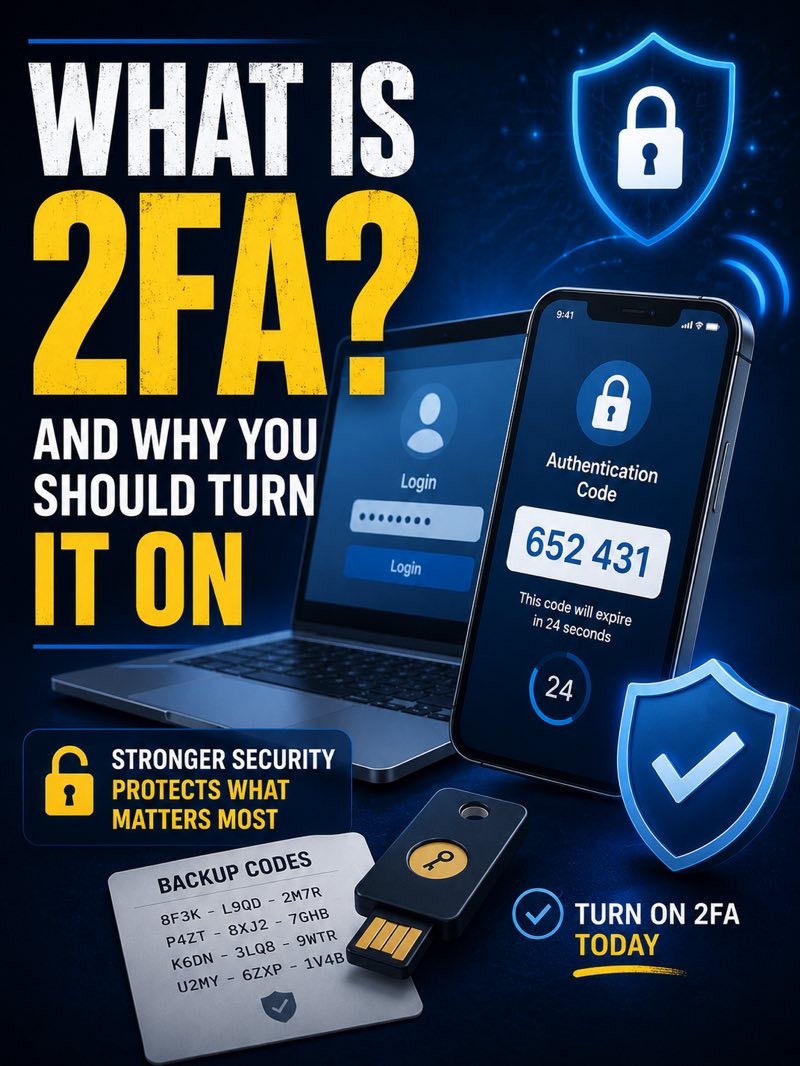
If you've already turned on two-factor authentication (2FA) after our last article on this — that's a strong second layer of protection. A password manager and 2FA work together: the password manager keeps attackers from getting in with a stolen password, and 2FA stops them even if they somehow did get your password. Neither one replaces the other; they cover different weaknesses.
The short version
Password reuse, not "weak" passwords, is the biggest reason accounts actually get broken into — because a breach at one company can expose your password everywhere else you used it. Check haveibeenpwned.com to see if your email has shown up in a known breach. Use a password manager so you're never reusing passwords again, and lean toward long passphrases over complicated character strings. Combined with 2FA, this covers the two most common ways accounts actually get compromised.